 Exhibit
 vs TextPort: which should I use for court?
TextPort is an iPhone app, free to download, that needs a subscription to export and handles many messaging apps. Exhibit is a Mac app at $19.99 once, with a free watermarked preview, and it adds exact time zones, read receipts, edit history, Bates numbers and a SHA-256 verification page. If you only have an iPhone, TextPort is the one you can run. If you have a Mac, Exhibit is built for court detail.
Updated November 17, 2026 · Not legal advice
How do Exhibit and TextPort compare?
These facts about TextPort come from its App Store listing on Nov 17, 2026. Where the listing does not say, the table says Not stated.
| Exhibit | TextPort | |
|---|---|---|
| Price | $19.99 once (Personal), $59 once (Firm) | Free to download. Subscription to export; listed at $4.99, $7.99, $8.99 and $9.99 weekly and $59.99 a year |
| Platform | Mac, macOS 14 or later | iPhone, iOS 16 or later |
| Sources | Messages on this Mac (iMessage, SMS, RCS), iPhone backup, WhatsApp, Signal, Telegram, Messenger, Instagram, Google Voice, Discord, Snapchat, Android SMS, CSV | iMessage, SMS, WhatsApp, Messenger, Instagram DMs, Telegram, Signal and other apps |
| Exact time on every message | Yes: date, time and time zone, to the second where the source records seconds | Per-message timestamps and sender names; time zone Not stated |
| Edit history | Original text and each edit time for iMessage and Signal | Not stated |
| Read receipts | Delivered and read times for iMessage and Signal when the recipient had them on | Not stated |
| Bates and exhibit stamps | Bates numbers, Page X of Y, message numbers, exhibit stamp | Not stated |
| Verification hash | Verification page with SHA-256 and an export record | Not stated |
| Uploads or account | No account, no upload; online only for the license and update checks | Not stated |
| Free preview | Yes, complete, with a PREVIEW watermark | No free export listed |
What does TextPort do well?
TextPort runs on the iPhone, so you do not need a computer. It covers many apps in one place, including iMessage, SMS, WhatsApp, Messenger, Instagram, Telegram and Signal. It exports a PDF, a CSV or a plain text file, lets you pick a date range, and lists the sender and the date and time of each message. Its listing shows a 4.5 rating from 1.8K ratings. If a phone is all you have, that matters.
Where does Exhibit differ?
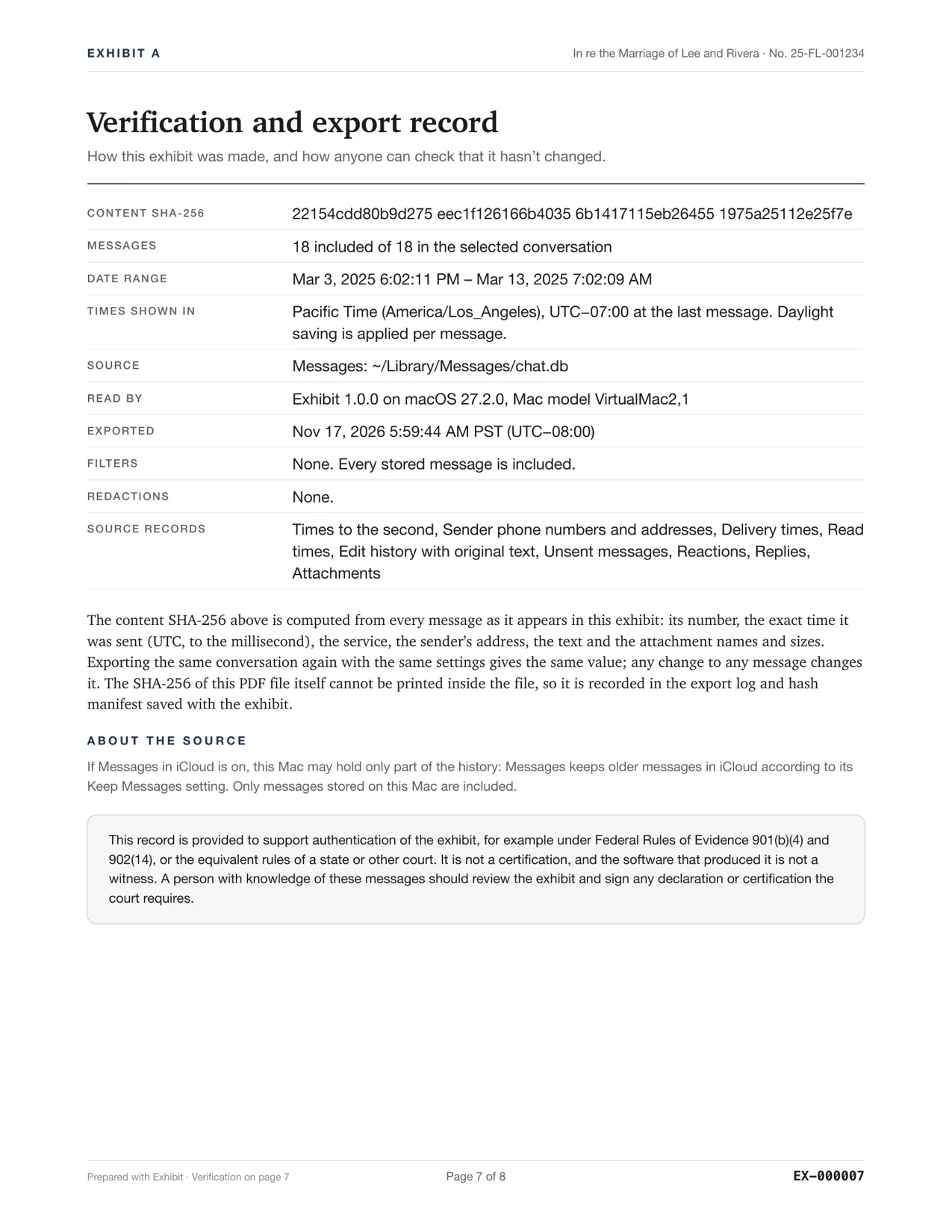
Exhibit is built around the details a court may ask about. It prints the time zone with each time, delivered and read times, the original text of edited messages, and unsent flags. It numbers pages and messages, adds Bates numbers, and ends with a verification page of SHA-256 hashes. It runs on your Mac, with no account, and it reads iMessage straight from the Messages data, not from a screen.
How does the cost compare?
TextPort's listing shows weekly and annual subscription prices. The annual plan is listed at $59.99, which is three times Exhibit's one-time $19.99, and weekly plans keep charging until you cancel. Exhibit's free preview lets you read the whole exhibit before you pay, and refunds are available for 7 days after purchase. Check TextPort's current prices in the App Store before you decide.
Which should I choose?
- Choose TextPort if you only have an iPhone and need a quick export of a short conversation.
- Choose Exhibit if you have a Mac, or can borrow one, and the exact times, read receipts, edits and numbering matter to your case.
- Use either only after you check the PDF page by page against the phone.
Neither tool decides what a court accepts. Courts and states differ. Ask the court clerk, a self-help center or a lawyer what your court needs. See how to authenticate text messages.
For the options in general, read printing text messages for court from an iPhone.
Questions
Can I try TextPort before I pay?
Its App Store listing says a subscription is needed to export and lists no free export. Check the listing for any trial offer. Exhibit's preview is free and complete, with a watermark.
Can I use both?
Yes. Some people export a short iPhone-only conversation with an iPhone app and a long one from the Mac. Keep each export with its own record of how it was made.
Sources
Competitor details were checked on 2026-11-17 and can change. Tell us at the contact address if something here is out of date and we will fix it.