 Exhibit
How do I save my text messages before switching phones?
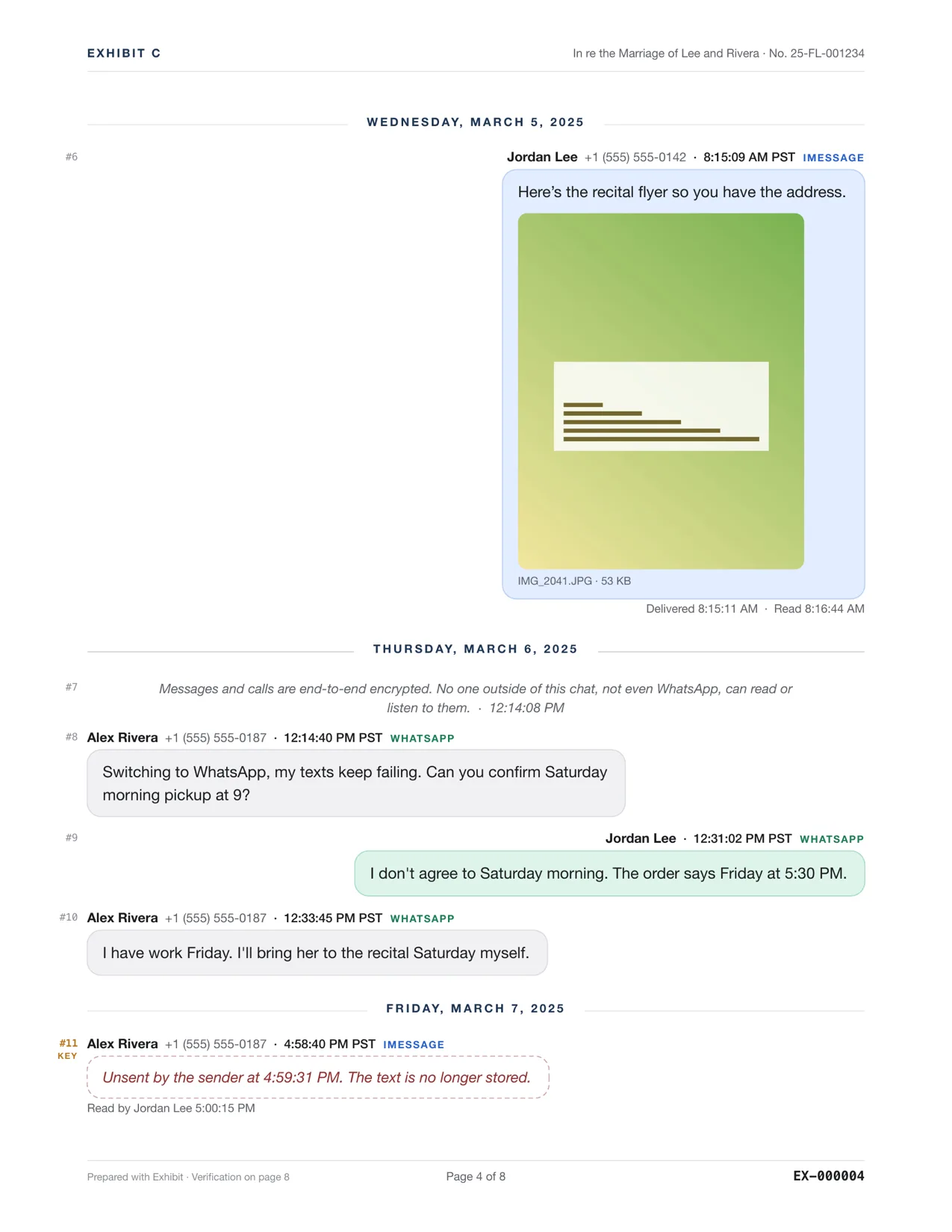
Make a local backup of the old phone, then save the conversations you care about as PDFs, which you can open on any device and which no phone or iCloud setting can delete. On a Mac, Exhibit does both: it backs up the iPhone, reads the messages from the backup, and saves each conversation as one PDF with dates, times and photos. This matters most when moving from iPhone to Android, where iMessage history doesn't come with you.
Updated November 18, 2026 · Not legal advice
Before you wipe the old phone
- Back it up locally. Plug the iPhone into the Mac and let Exhibit (or Finder) make a full backup. Keep it: it's a snapshot of everything on the phone today.
- Save the important threads as PDFs. In Exhibit, open the backup, pick each conversation and click Create Exhibit. Photos and voice messages go in the PDF.
- Check one PDF before you erase anything: scroll to the first message and the last.
Exhibit for Mac turns the conversation into a PDF you can file: exact times, read receipts, edits, Bates numbers. $19.99 once, no subscription, 7-day refund.
iPhone to Android
iMessage history stays in Apple's world. A PDF of each conversation is the simplest way to keep it readable on an Android phone or any computer. Android texts saved with SMS Backup & Restore can be opened in Exhibit later too.
iPhone to iPhone
Quick Start or an iCloud backup usually moves the history. Save the threads that matter as PDFs anyway: a transfer can fail partway, and Messages in iCloud deletes a message everywhere once it's deleted anywhere.
WhatsApp and Signal
WhatsApp chats in the iPhone backup, WhatsApp for Mac, and Signal Desktop can all be saved as PDFs the same way. See saving a WhatsApp chat as a PDF and exporting Signal messages.
Questions
Can I save texts from a phone that belonged to someone who died?
If you can unlock it, back it up on a Mac and save the conversations as PDFs. Voice messages can be transcribed and kept with their audio.
Do I need a Mac?
Yes. Exhibit runs on macOS 14 or later.